Transcript
Your agency's industry vertical, such as Medicare, gives you a working starting point. Here is what it sets up, and where to change each part.
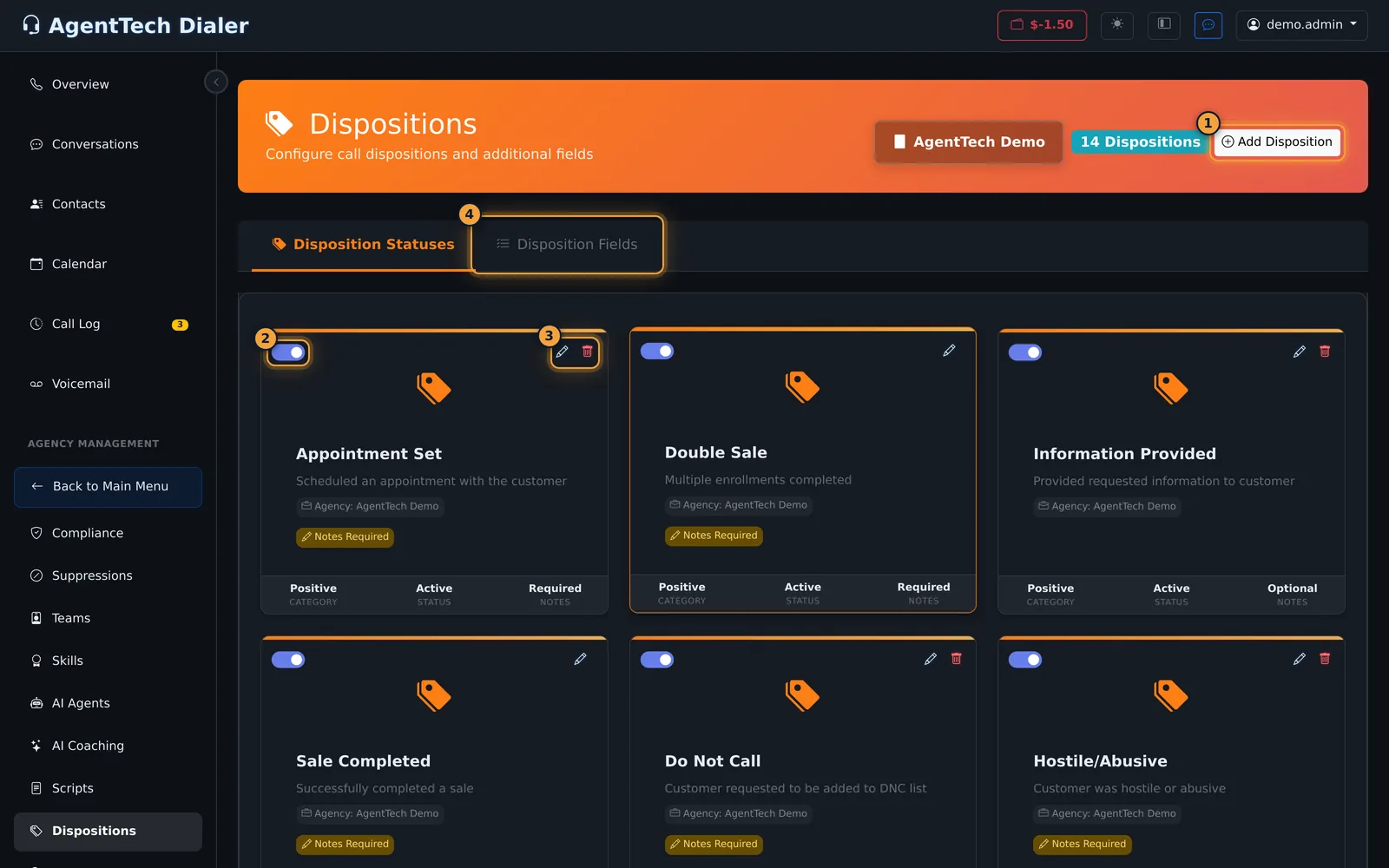
It sets up your dispositions: the call outcomes agents choose, like Appointment Set and Sale Completed. You change them under Dispositions.
It adds disposition fields too, like Caller Name, Enrollment Code and Plan Code, on the Disposition Fields tab.
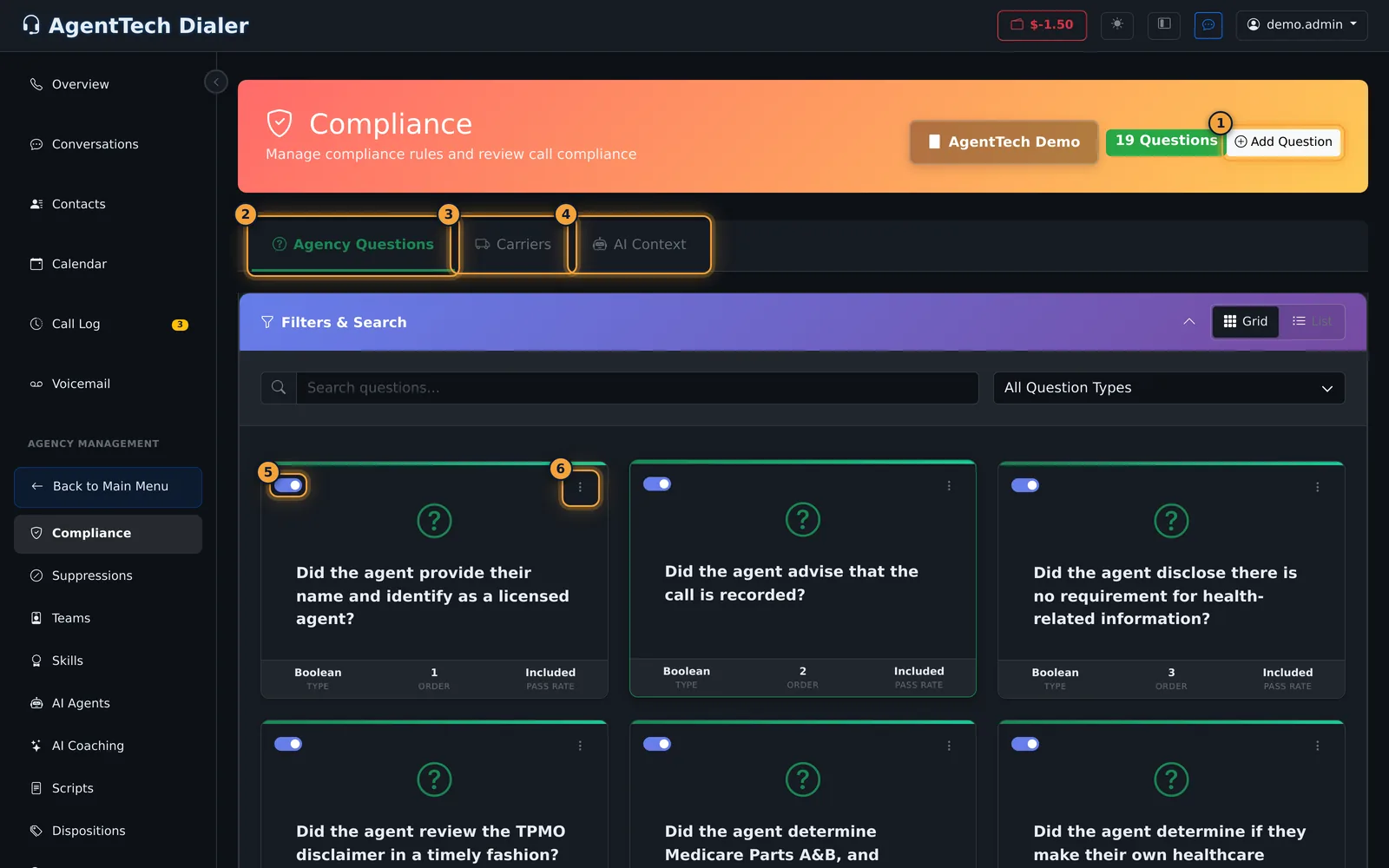
Under Compliance, it adds the questions AI answers about each call, such as whether the agent said the call is recorded.
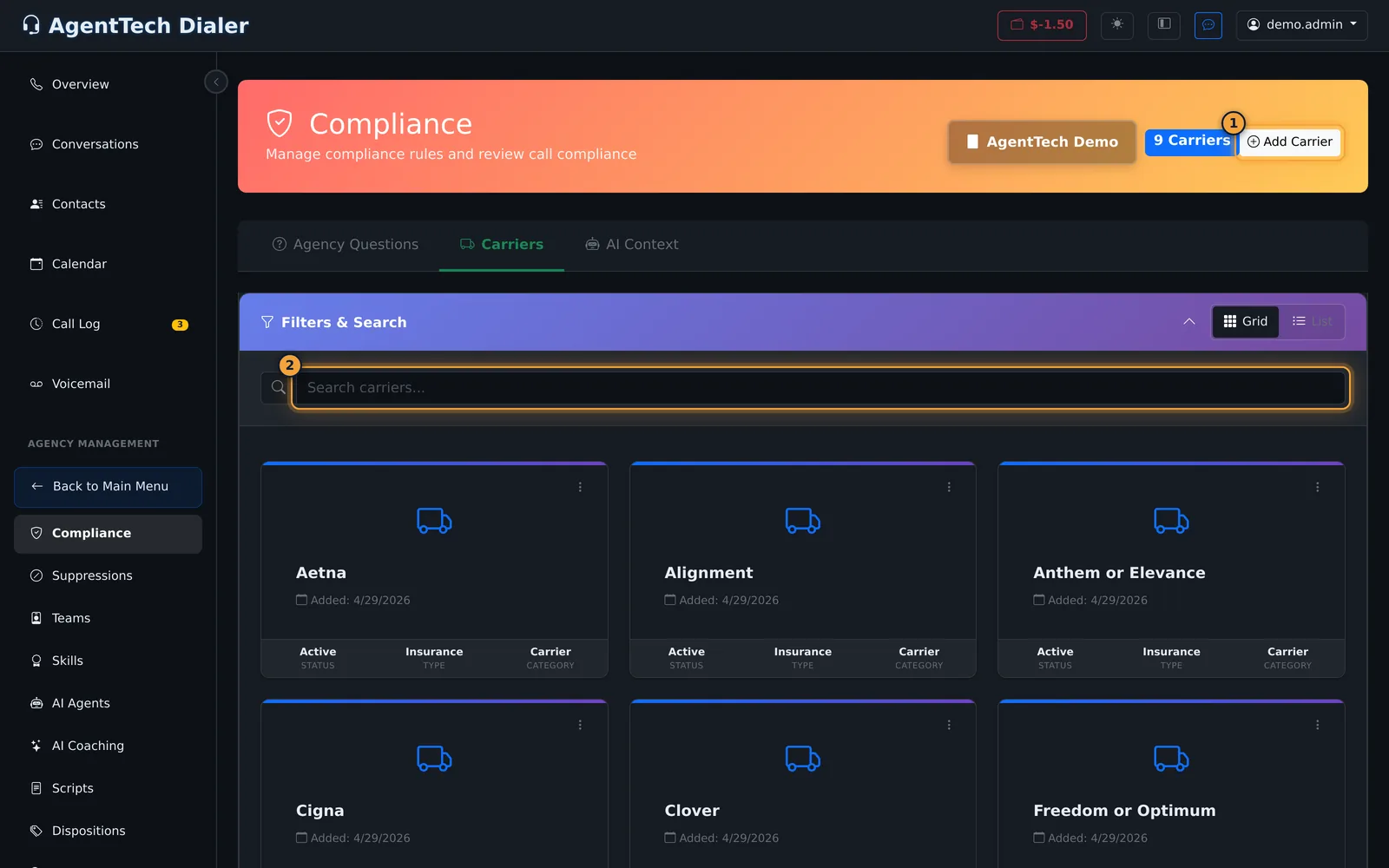
The Carriers tab lists the carriers your agents sell, and AI Context tells AI what kind of calls these are.
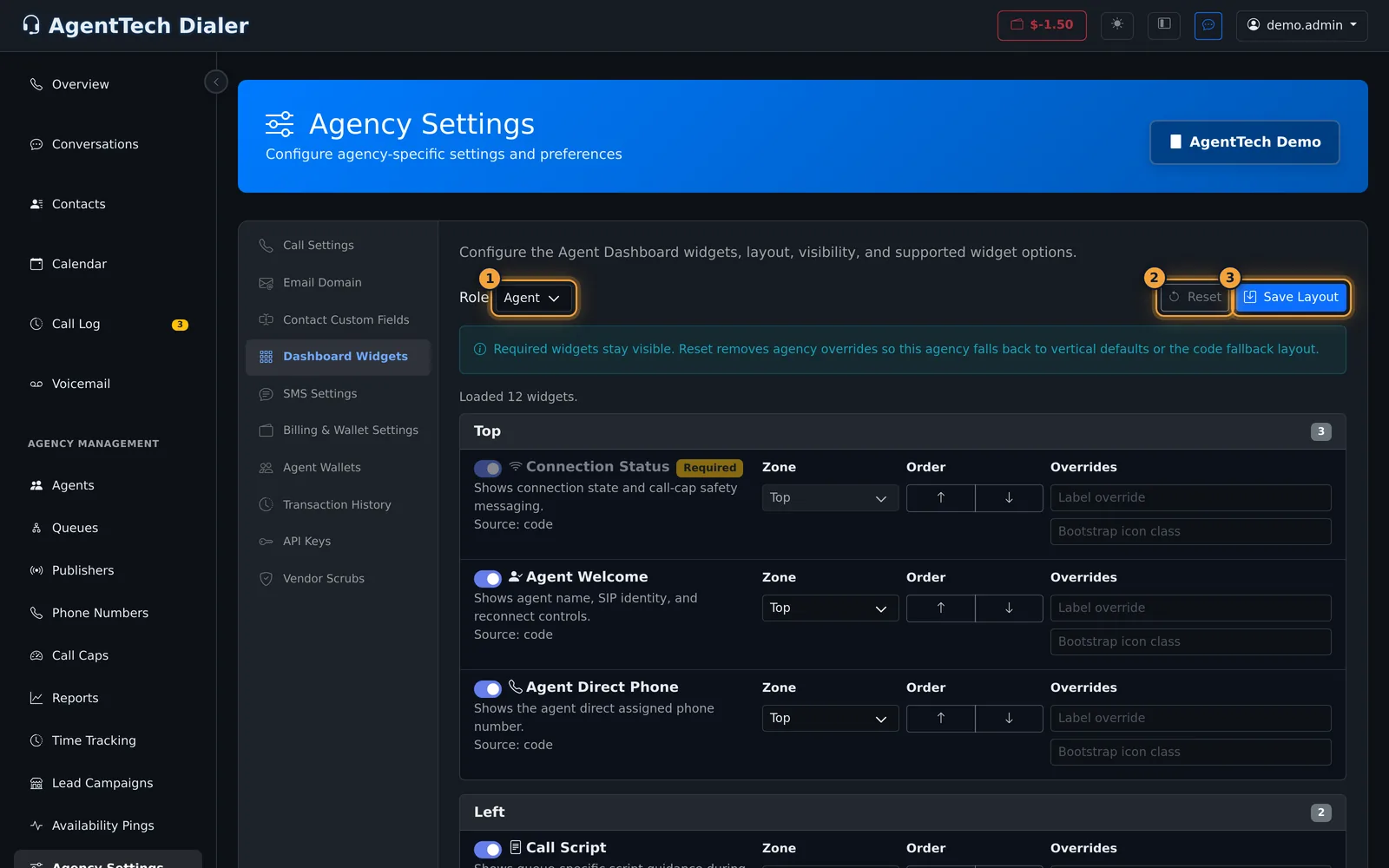
And in Agency Settings, Dashboard Widgets holds the starting layout of your agents' dashboard.
All of this is your agency's own copy. Edit it, switch it off, or add your own. Here, Reset goes back to the vertical's default layout.
Only two dispositions, Sale Completed and Double Sale, can't be deleted. You can still edit them, or switch them off.
To change your agency's vertical itself, contact AgentTech support.
A vertical is an industry template, such as Medicare. It gives a new agency a working starting point for its industry: call outcomes, disposition fields, compliance questions, carriers, the AI context and the agent dashboard layout. Once your agency is set up, those are your agency's own copies and you change them on the usual pages.
This article is for agency admins. Verticals themselves are managed by AgentTech; agency accounts don't have a Verticals page. To change your agency's vertical, contact AgentTech support.
What a vertical sets up, and where to change it
| Part | Example in a Medicare agency | Where you change it |
|---|---|---|
| Dispositions | Appointment Set, Sale Completed, Double Sale, Not Interested, Do Not Call and more | Dispositions & Custom Fields |
| Disposition fields | Caller Name, Enrollment Code, Plan Code | Dispositions & Custom Fields |
| Compliance questions | "Did the agent advise that the call is recorded?", "Did the agent review the TPMO disclaimer in a timely fashion?" | Managing Compliance Questions |
| Carriers | Aetna, Anthem or Elevance, Cigna and others | Compliance > Carriers |
| AI context | "This is a call between a {agencyName} Medicare licensed agent and a potential Medicare beneficiary." | Compliance > AI Context |
| Agent dashboard layout | The default widgets and their zones | Agency Settings > Dashboard Widgets |
Changing the starting setup
Everything in the table above can be edited, switched off or deleted for your agency, and you can add your own. Two dispositions, Sale Completed and Double Sale, are protected: they can be edited or switched off but not deleted.
On Agency Settings > Dashboard Widgets, Reset removes your agency's changes to the dashboard layout, so the vertical's default layout applies again.
Common problems
- The dispositions or questions don't fit what we sell: edit them, or add your own. If your agency is set up for the wrong industry, contact AgentTech support.
- I can't find a Verticals page: it is only available to AgentTech.
Related articles
Was this article helpful?
Can't find what you are looking for? Our support team can help.
Submit a support ticket