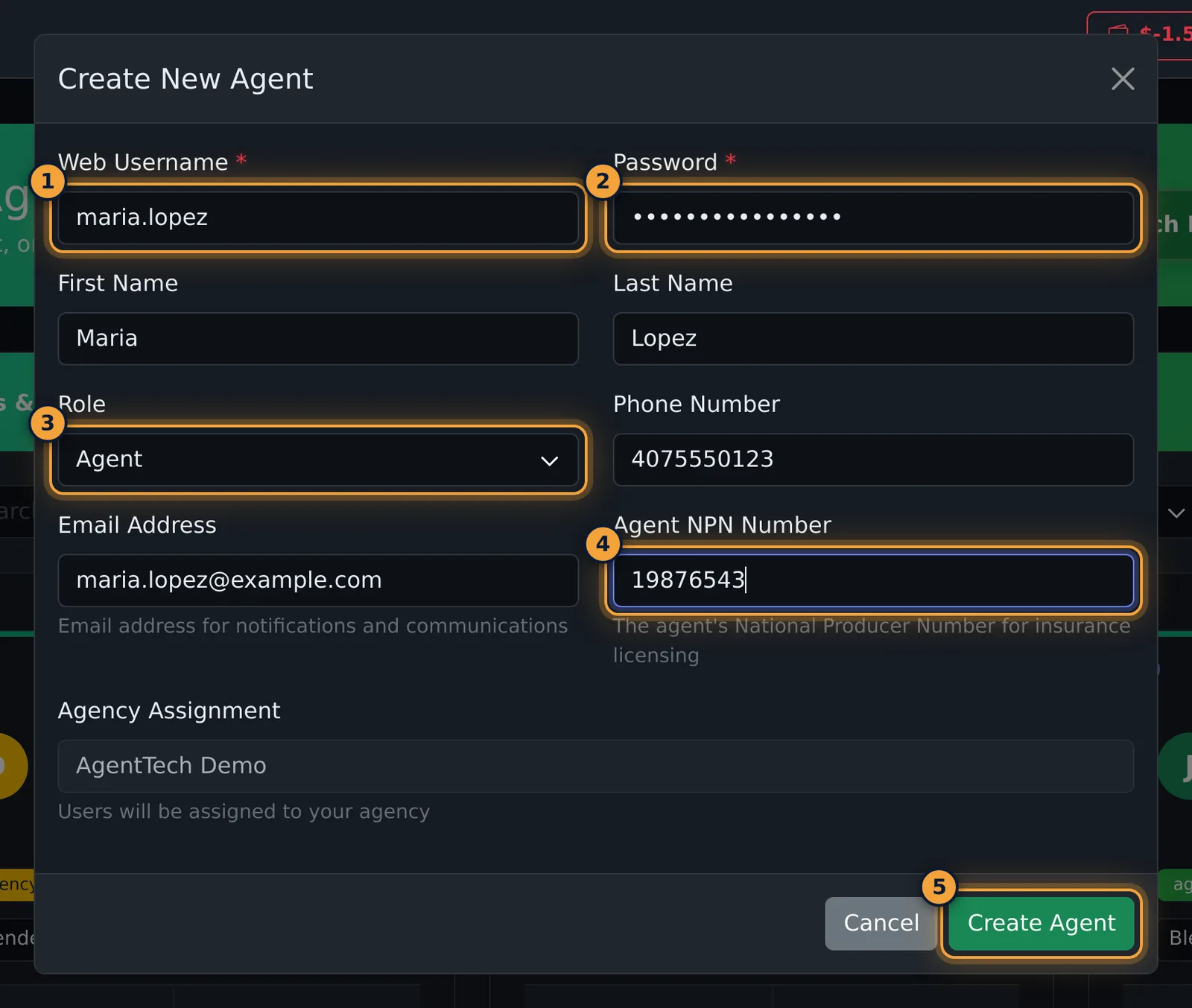
Every user has one role. The role decides which pages they see and what they can change. When you create or edit a user, you can choose one of three roles: Agent, Supervisor or Agency Admin.
Which pages each role sees
Yes means the page is in that role's menu. Limited means the role opens the page but some buttons or fields are missing.
| Page | Agent | Supervisor | Agency Admin |
|---|---|---|---|
| Dialer and agent dashboard | Yes | No | Only with Agent View Mode on |
| Supervisor Dashboard | No | Yes | Yes |
| Profile and Settings | Yes | Not confirmed | Yes |
| Conversations, Contacts, Calendar | Yes | Not confirmed | Yes |
| Call Log | Yes, own calls only | Yes, all agency calls | Yes, all agency calls |
| Voicemail | Yes | Not confirmed | Yes |
| Agents | No | Limited: password and state licenses only | Yes |
| Teams | No | Limited: can't create or delete teams | Yes |
| Call Caps | No | Yes | Yes |
| Queues, Publishers, Global Queues, External Queues | No | Not confirmed | Yes |
| Phone Numbers | No | Not confirmed | Yes |
| Reports, Time Tracking, Lead Campaigns, Availability Pings | No | Not confirmed | Yes |
| Agency Settings, Compliance, Suppressions | No | Not confirmed | Yes |
| Skills, Statuses | No | Not confirmed | Yes |
| AI Agents, AI Coaching, Scripts, Dispositions, Automations, API Keys | No | Not confirmed | Yes |
Agent
Agents take and make calls. They see the calling side of the product:
- the dialer and their own dashboard
- Conversations (texts and email)
- Contacts
- Calendar
- Call Log and Voicemail
- their Profile and Settings
Agents don't see the Agency Management pages: agents, queues, phone numbers, call caps, reports and the rest.
Agency Admin
Agency admins run the agency. They see everything an agent sees, plus the management pages, including:
- Agents: create users, change roles, archive and delete users (Managing Agents)
- Queues, Publishers, Global Queues and External Queues
- Phone Numbers and Call Caps
- Reports, Time Tracking, Lead Campaigns and Availability Pings
- Agency Settings, Compliance and Suppressions
- Teams, Skills and Statuses
- AI Agents, AI Coaching, Scripts, Dispositions, Automations and API Keys
Agency admins open on the Supervisor Dashboard instead of the dialer. To take calls, turn on Agent View Mode in Settings: it hides the admin menu and gives access to the dialer and queue calls.
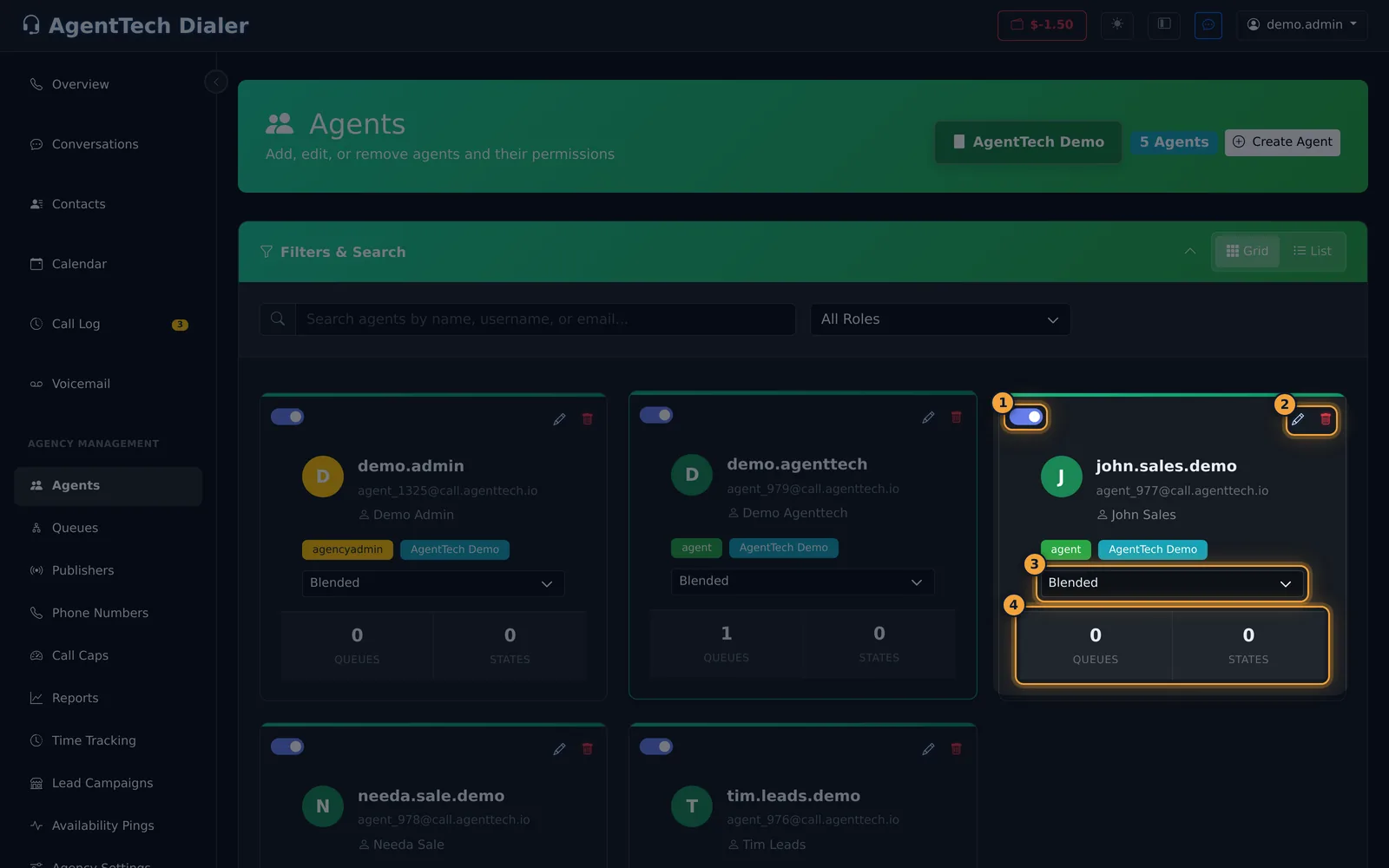
Only agency admins can set an agent's work scope (Inbound, Outbound or Blended) on the Agents page.
Supervisor
Supervisors oversee agents from the Supervisor Dashboard and see every call in the agency's Call Log. They are more limited than agency admins on the Agents and Teams pages. These limits come from the app's role rules, not from a supervisor sign-in:
- Edit Agent shows a Password Reset tab instead of General. A supervisor can set a new password and change state licenses, but can't change names, roles, contact details or AI Sales Coach.
- Supervisors can't delete users or teams.
- Supervisors see the work scope as a label, not a list they can change.
Change someone's role
- Open Agency Management > Agents and select the pencil on the user's card.
- On the General tab, change Role.
- Select Save Changes.
The user gets the pages of the new role the next time the page loads.
Choosing a role
- Give Agent to anyone who only handles calls.
- Give Supervisor to team leads who help agents but shouldn't change agency setup.
- Keep Agency Admin to the few people who manage users, numbers, queues and billing. Agency admins can archive users (which can charge the wallet) and buy phone numbers.
Common problems
- A new user can't see Queues or Agents. Their role is Agent. Change it to Supervisor or Agency Admin.
- A supervisor can't rename an agent. Only agency admins can edit profile details.
- I don't see an option for multi-agency or platform admins. The Role list offers Agent, Supervisor and Agency Admin only. Accounts that manage several agencies are set up by AgentTech.
Related articles
Was this article helpful?
Can't find what you are looking for? Our support team can help.
Submit a support ticket